

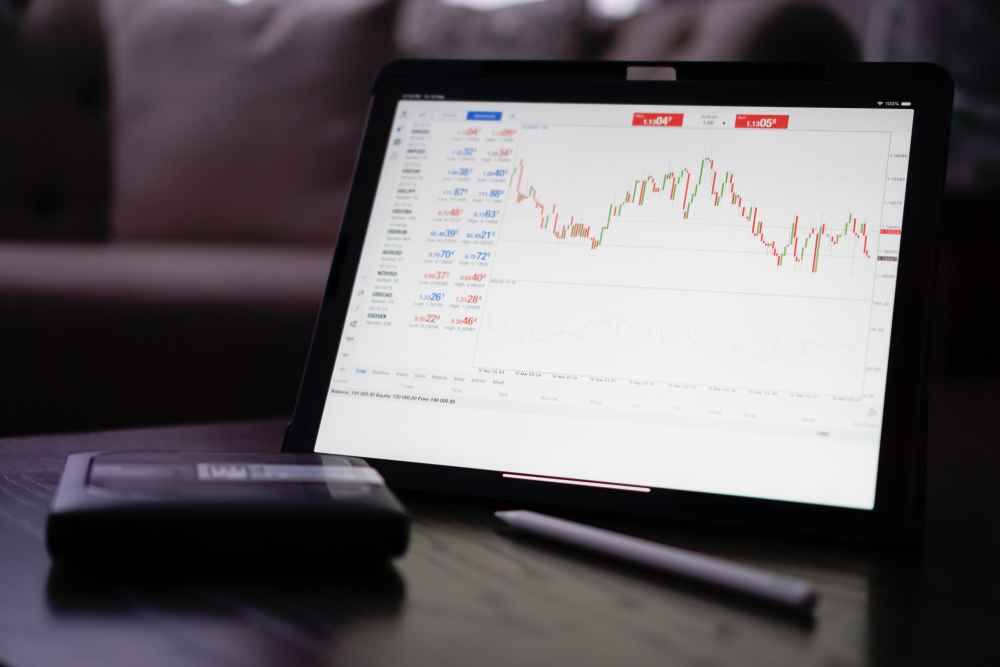
How to properly optimize an Expert Advisor in Metatrader 4?
Although the psychology of the market remains the same from year to year but some market conditions keep changing. What was profitable yesterday is not the fact that it will be profitable tomorrow. The task of the trader is to adapt to the current conditions in time and continue to earn.
The same goes for trading advisors. Even the most profitable expert advisor will sooner or later stop making money due to the changed market conditions. Our task is to anticipate this and optimize the EA for the new situation.

- Setting parameters for optimization;
- Backtesting of the advisor;
- Forward Expert Advisor testing.
Process of optimizing an Expert Advisor in MT4
Imagine the situation; you decided to assemble a computer by components. You bought the most expensive video card, motherboard, 32 GB RAM, and so on. You collected everything in the system unit and work, as they say, without drivers. Do you think such a computer will meet your expectations?
I think no. Before working on it, you need to install the drivers. I’m not talking about more global settings.
The situation is the same with trading advisors. Yes, of course, the developers give their settings, but time goes by, and, as mentioned above, what worked yesterday may not work today. Therefore, we will figure out how to properly optimize the advisor.
Setting parameters for optimization
First, let’s run the test with preset settings. Assume if the robot trades well on the GBPUSD pair on M15 timeframe. We start the date from 01/01/2021 to 02/28/2021 and see what kind of profitability graph we get.
If the advisor has worked very well on the historic data, then this is something good for us. However, if the Expert Advisor turns out with negative results on the historic data, then there is no need to keep up with it.
Yet, there is no limit to perfection. We have to optimize the EA and try to improve the results. To do this, in the strategy tester window, press “Expert properties.” Three tabs open on the screen:
- Testing;
- Input parameters;
- Optimization.
In the “Testing” tab, set the initial deposit you are interested in at $ 100. The Expert Advisor will trade for both Buy and Sell. Therefore, in the “Positions” field, select “Long & Short.”
In the “Optimization” block, you can select the “Optimized parameter” from the proposed list:
- Balance;
- Profit Factor;
- Expected PayOff;
- Maximal Drawdown;
- Drawdown Percent;
- Custom.
If you want only results with a positive total to participate in the search results, check the box next to “Genetic algorithm”.
Setting up the testing tab to optimize the EA.
The “Input parameters” tab includes the variables that we can optimize.
Check the box next to the box you want to optimize, like StopLoss, TakeProfit, etc. Leave the “Value” column unchanged. This column contains the default value preset during the previous testing. We are interested in the columns:
- Start – from what value the optimization starts;
- Step – what is the step for the next value;
- Stop – when the value is reached, the optimization should be stopped.
If you select the StopLoss variable, the start of optimization is 20 pips, with a step of 5 pips, until we reach 50 pips, likewise you do the same with TakeProfit.

The Bottomline
In the EA, you can optimize any parameter: StopLoss, TakeProfit, Maximum Drawdown, etc. You may need to run the EA on historic data several times before you reach the required settings. Testing on longer history may provide higher amount of accuracy.
CFDs are complex instruments and carry a high risk of rapid losses due to margin trading. Consider whether you understand how CFDs work and whether you can afford the risk of losing your money. This article is for educational purposes and is not investment advice.
Author: Andrew Trent
Andrew holds a degree in Data and Statistical Analysis and brings a tech nerd's curiosity to his writing. Off the clock, he's modeling data scenarios for fun, scuba diving, or taking underwater photos. He lives with his two Labradors, Homer and Duff, and his cat, Fibonacci.
Reviewed by: Chris Blakely
Content Editor with over two decades in financial journalism and a degree in Computer Engineering from the Polytechnic of the South Bank. Chris checks every article for factual accuracy and verifies claims before publication.
Last updated: April 28, 2021
Related Reading


Trader Sentiment
Share your outlook and see the results.
Bullish or bearish on EURUSD today?
Bullish or bearish on Bitcoin today?
Trending topics
FOREX HEATMAP
